Account
Profile
- —
- Business
- —
- Member since
- —
Your tools
One account, every tool. Open a tool for its billing and settings.
Billing details
These go on your GST tax invoices. GSTIN is optional — add it to claim input tax credit.
Invoices
GST tax invoices for every payment across all tools.
| Date | Invoice # | Description | Amount | |
|---|---|---|---|---|
| Loading… | ||||
Omnihub — Order processing
Wallet balance
Secure payment via Razorpay. Balance updates within a few seconds.
This month's usage
Prints processed by marketplace.
Get the extension
Omnihub runs as a Chrome extension on your own PC — orders and labels never leave your browser.
- Install from the Chrome Web Store — or, for the newest build, download the ZIP, unzip it, open
chrome://extensions, turn on Developer mode → Load unpacked → pick the folder. - Click Pair a device below and copy the token.
- In the extension: Options → Pair device, paste the token.
- Log in to your seller panels — orders appear in the extension automatically.
Print rates
Volume discounts apply automatically based on your monthly prints.
Recent activity
| Date | Reason | Ref | Amount |
|---|---|---|---|
| Loading… | |||
Devices & pairing tokens
Pair the Omnihub browser extension with a token.
Paste this into the extension's Options → Pair device field:
| Token | Label | Last seen | Status | |
|---|---|---|---|---|
| Loading… | ||||
ZapAds — Amazon ads automation
Subscription
Flat subscription — unlimited campaigns while active.
- Plan
- —
- Active until
- —
Monthly ₹999 + 18% GST (₹1,179 total) · Yearly ₹9,990 + 18% GST (₹11,788 total). Activates automatically after payment.
Get the tool
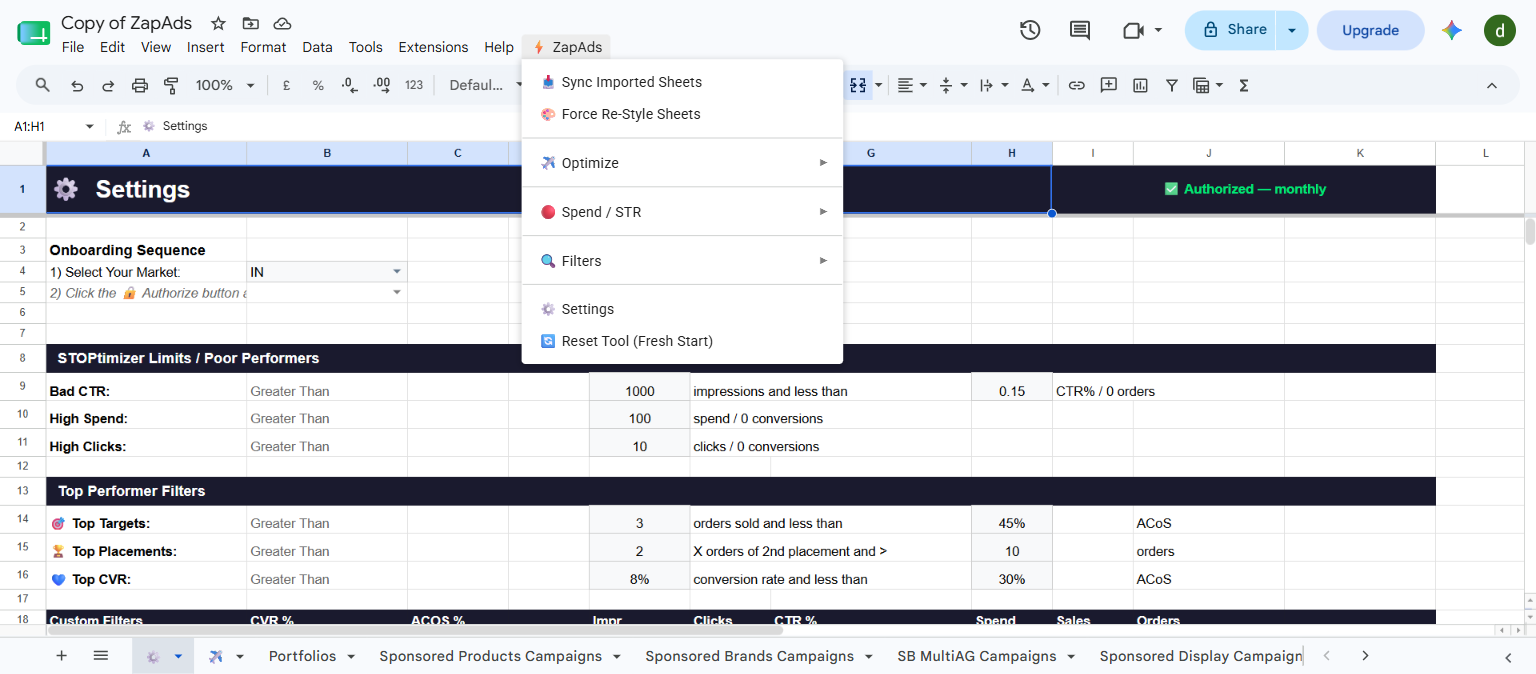
ZapAds is a Google Sheet that runs under your own Google account — your ads data never leaves it.
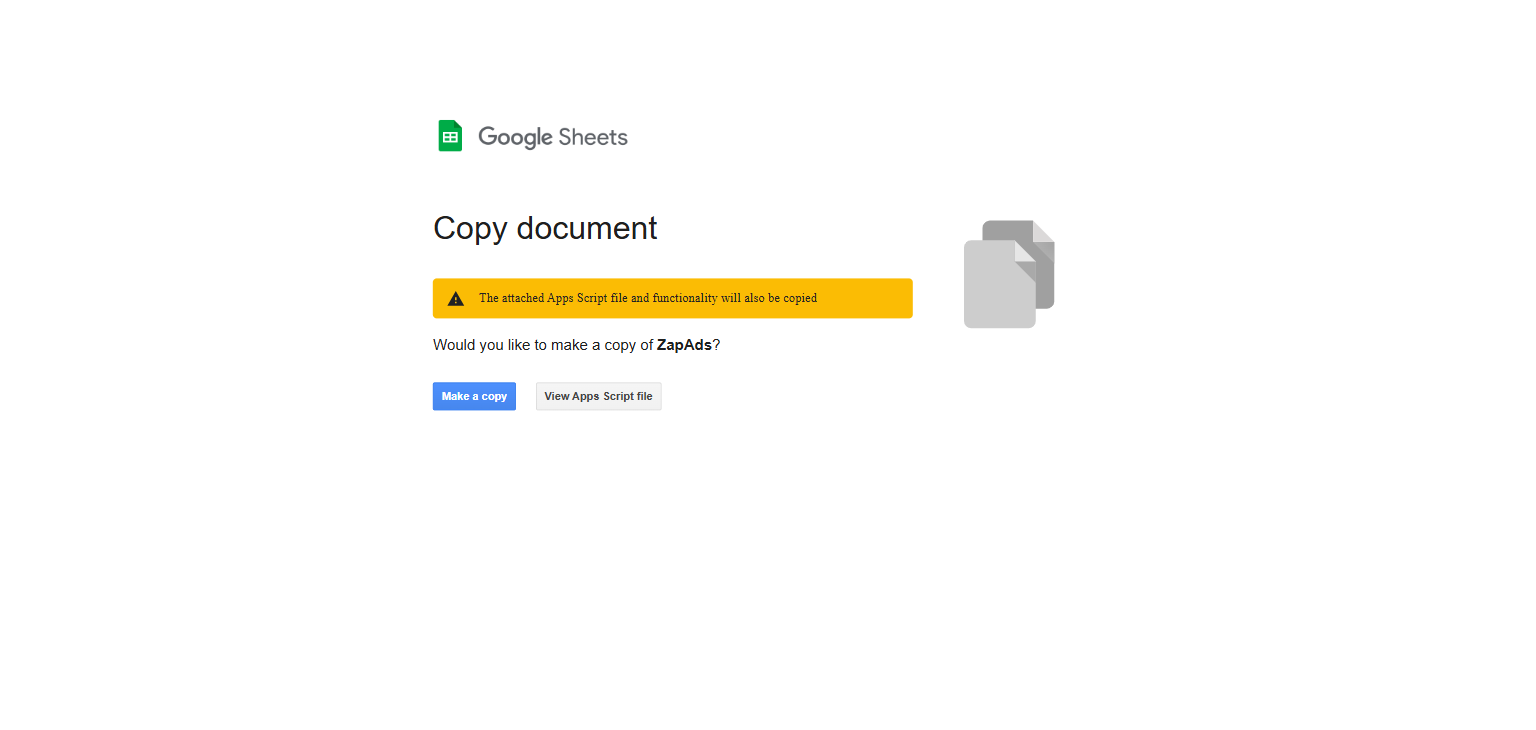
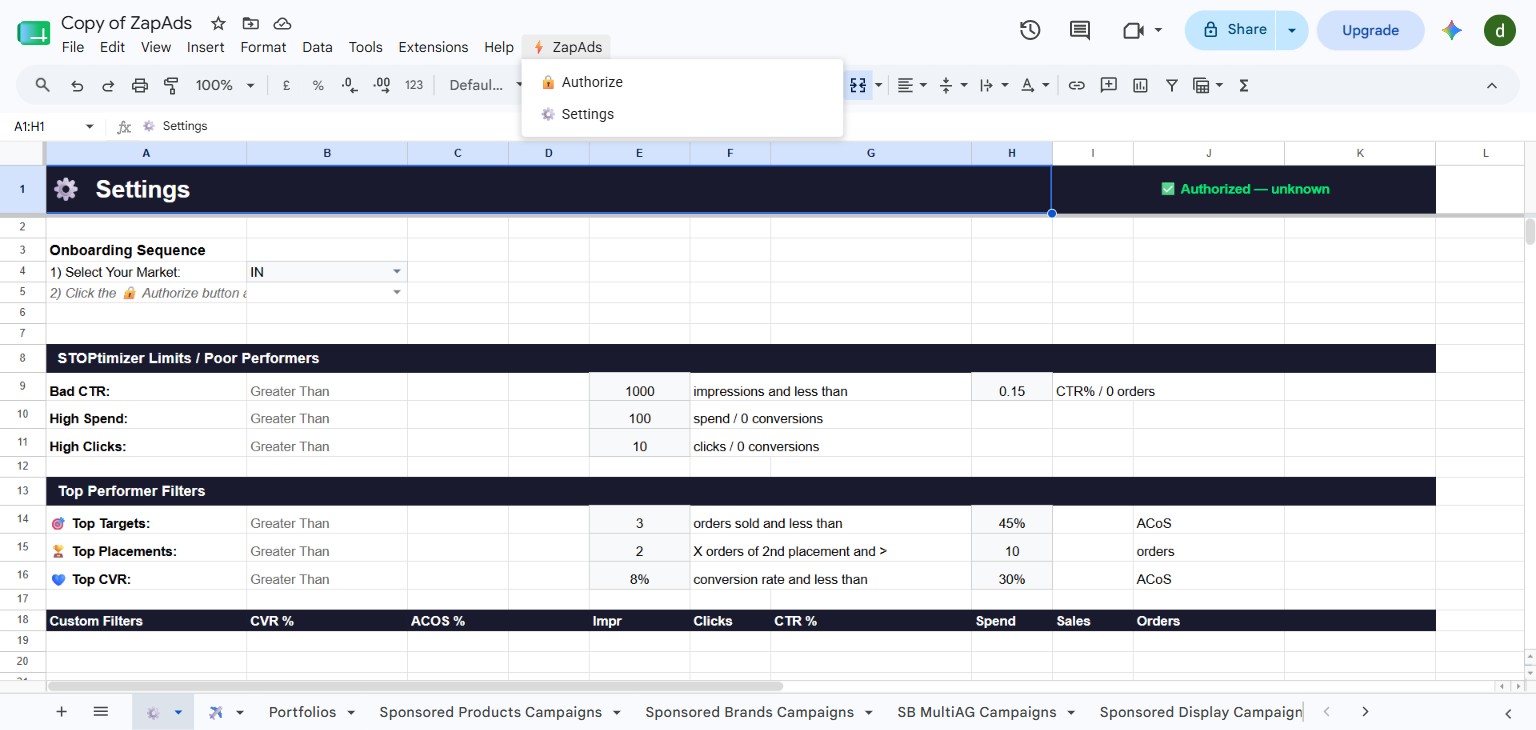
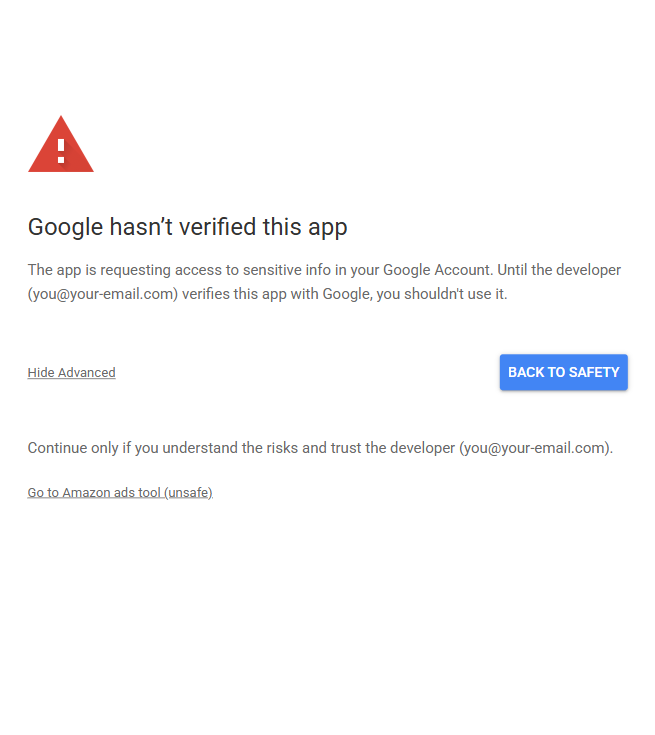
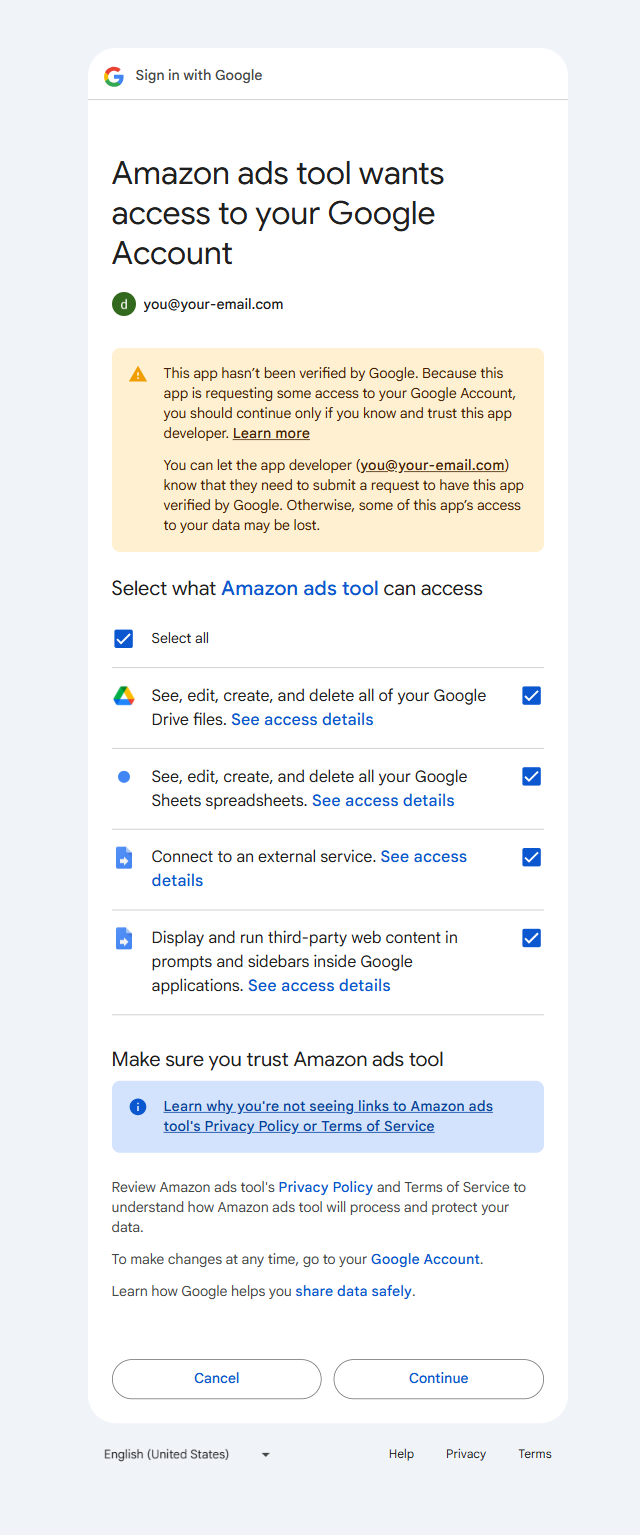
Opens a quick 5-step setup guide with screenshots — keep it open while you follow along.
SIMS — Smart Inventory
Inventory management for marketplace sellers
Stock tracking, low-stock alerts and sales analytics across Flipkart, Amazon and offline sales.
SIMS is in private testing. It will appear here automatically when it launches — no separate signup needed.
Learn more & join the waitlistGST Filing
GSTR-1 filing from marketplace reports
Upload Amazon MTR, Flipkart settlement or Meesho TCS exports — get GSTN-ready CSVs and gstr1.json. No API access needed.
The GST tool is being built. It will appear here automatically when it launches — no separate signup needed.
Learn more & join the waitlistHelp & Support
Frequently asked
Account & billing
How do I download my GST tax invoice?
Dashboard → Home → Billing details → Invoices → Download. Invoices split CGST/SGST (or IGST for inter-state). Add your GSTIN in Billing details before you pay to claim input credit.
How do I top up my wallet / how is billing done?
One prepaid wallet covers every tool. Open the Omnihub tab and top up. Usage is billed per-use. Prices shown include 18% GST (a ₹999 plan is billed ₹1,179).
My top-up failed but money was debited.
Razorpay auto-refunds failed payments in 5–7 working days. If it doesn't arrive, contact our team below with the payment id.
Do I need a separate account for each tool?
No. One Omnihub account and one wallet work across Omnihub, ZapAds, SIMS, GST Filing and Omnihub Labels.
Omnihub — order processing
I installed the extension but my orders aren't showing.
Make sure you're logged into Amazon/Flipkart Seller Central in the same browser profile, then reopen the extension. Sign in to the extension with the same account as this dashboard.
Where's my shipping label?
Labels are held after processing — use the Download card in the portal. For Amazon EasyShip, let the current cycle finish first. Multi-quantity orders ship in one shipment.
An order is stuck "pending" after I cancelled it on the marketplace.
Ignore it — it clears on the next processing cycle.
ZapAds — Amazon ads
What is ZapAds and how is it billed?
Amazon Ads automation. Open it from the ZapAds tab. It runs on a free tier first; usage beyond that draws from your wallet.
SIMS — inventory soon
What is SIMS and when can I use it?
Smart Inventory keeps stock counts in sync across marketplaces so you don't oversell. It's rolling out and will appear in your dashboard automatically at launch — no separate signup.
GST Filing soon
What does GST Filing do?
Turns marketplace reports (Amazon MTR, Flipkart settlement, Meesho TCS) into GSTN-ready CSVs and a gstr1.json for GSTR-1 — no API access needed. Rolling out; appears in your dashboard at launch.
Omnihub Labels
What is Omnihub Labels?
A free shipping-label tool at labels.omnihub.co.in — design and print labels, no paid plan needed.
No matching help. Ask Omni below 👇
Ask Omni — AI assistant
Answers most questions instantly. If it can't help, you'll be able to message our team.
Contact our team
We reply by email, usually within a working day.